
What difference does creating your personal Magic card in Matchpunk really mean?
When you created your account in Matchpunk, you were given the opportunity to create a personal Magic card. The first thing you may have thought was…why?
When you play against any other player using Matchpunk MTG Life Counter as part of a group, the first time you beat any player, a copy of their personal card is “captured” by you.
Think of it as visible, digital proof that you have defeated this person at least once.
You don’t really take anything from the player, but you now have a copy of their personal card in your “Captured Cards” inventory and can review any time.
How do I make a Matchpunk personal Magic card?
Making a card is simple, and it’s great to be creative (after all, if your opponent captures your card, you might as well make it memorable). The elements of the card are:
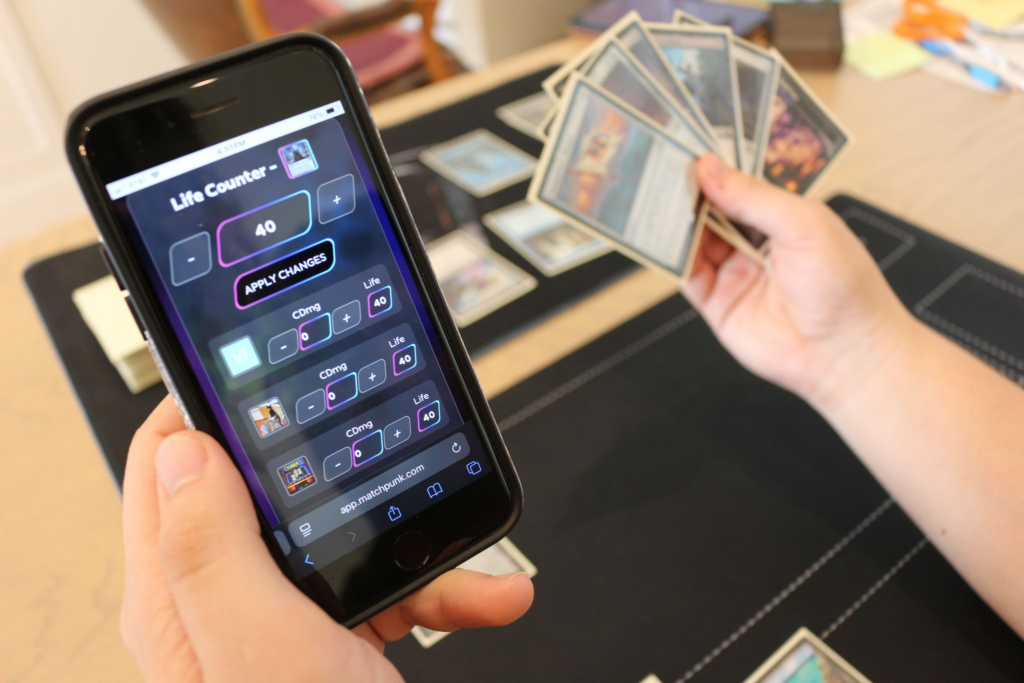
- Image – the most important part of the card. You can upload an image. If you don’t, it will default to a plain color with the 1st two letters of your username (boring). Instead, upload something that represents who you are. Maybe upload a pic of your cat, or an image of your favorite card, an Avatar character, anything. The image will be shown during the match to represent you in everyone’s Life Counter, so it’s good to be distinctive.
- Cost of the Card – You can make circles of any color (The icons are removed to prevent any copyright issues).
- Power – Any value from 0 to 99.
- Toughness – Any value from 0 to 99.
- Description – Think of this as a message to the person who captured your card. Try to avoid threats, but you could leave a message so they know they just got lucky, or congratulate them if you’re so inclined. You could treat it like a real Abilities field. One person who’s username was Misty1 put “When Misty1 enters the battlefield, take one Diet Coke from any player and drink it in front of them. That player loses the game.”
Note, if you edit your card, that card will change for all players who have captured it. So if you put something you later don’t like, feel free to change it.
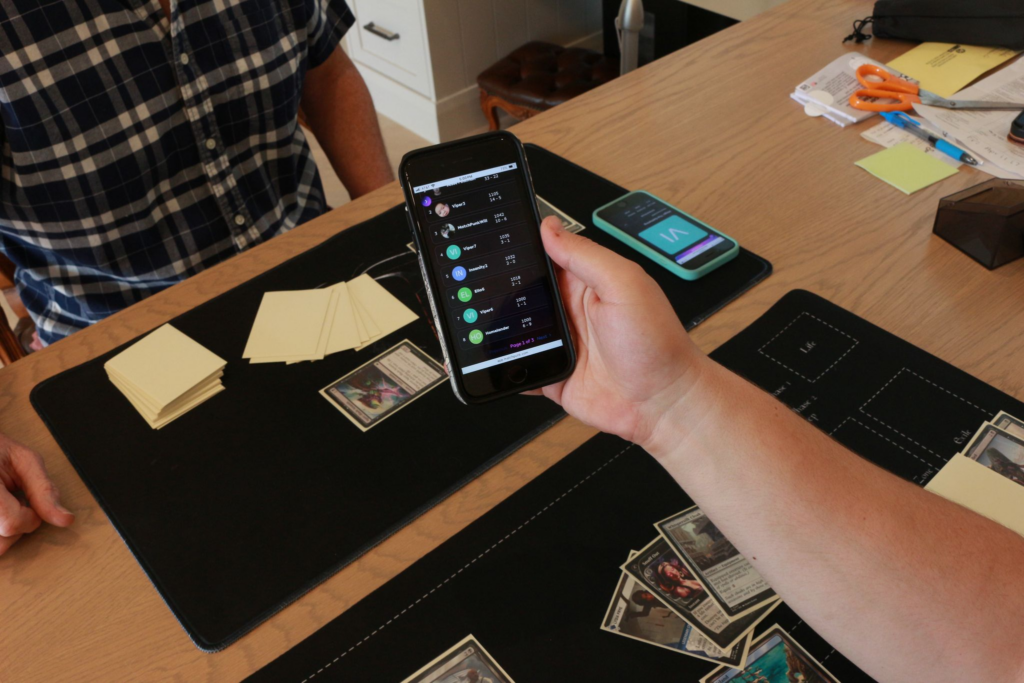
Here is how you view cards you’ve captured:
- Go to Groups>My Groups
- Select a group you’re part of
- Select Captured Cards.